
Brush Cutter Retail Barcode Setup for Wholesale Orders
Set up a brush cutter retail barcode for wholesale orders. Map the sellable kit to the retailer’s SKU and test the packed unit before releasing production.
Brush Cutter Retail Barcode Setup for Wholesale Orders
Set up each brush cutter retail barcode around the package your dealer actually sells. Before approving a wholesale order, match each sellable kit to the buyer’s SKU and scan a finished package in the system where staff will sell or issue it. Confirm that the scan returns the item, kit and quantity the dealer expects.
A label can scan cleanly and still call up a different attachment kit or the wrong pack quantity. For a mixed order, approve a packed sample for each variant while there is still time to correct an item record or label file.
Quick answer:
Start with one dealer transaction. Write down what the customer pays for, which pieces go with the machine and what quantity the sale should deduct from inventory. Use that description to match the factory configuration to the retailer’s SKU and approved barcode number. Then scan a sealed sample in the selling system and compare the result with the order line. If the warehouse also scans a shipping carton, run a separate receiving test for that pack level and its expected count.
Define what one brush cutter retail barcode scan represents
A farm equipment dealer might sell a gasoline brush cutter as a complete field-maintenance kit with a selected cutting attachment included in the price. The same dealer may also stock an attachment separately for customers who use different setups for grass and weeds. Walk through a sale with the buyer and record what the customer takes home, what staff scan and which stock quantity the sale deducts.
If a dealer stocks and replenishes two factory-packed kits as distinct items, identify which package fulfills each purchase order line. If a retailer adds an attachment at its counter, give the factory packing instructions for the package that retailer orders. Ask the buyer’s item setup team how the checkout and inventory records should handle the counter sale.
Quote the TM-CG520TN against the dealer’s kit description
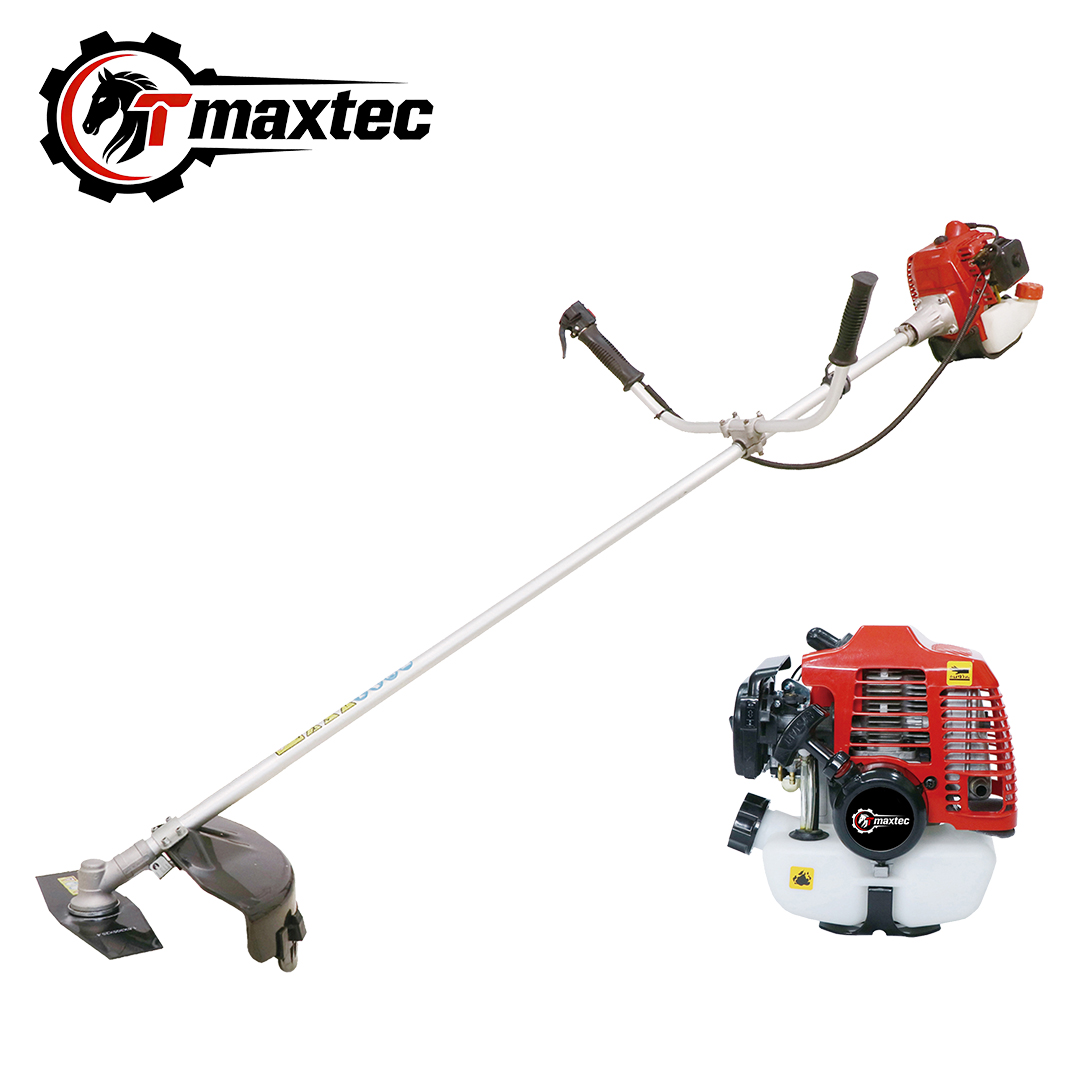
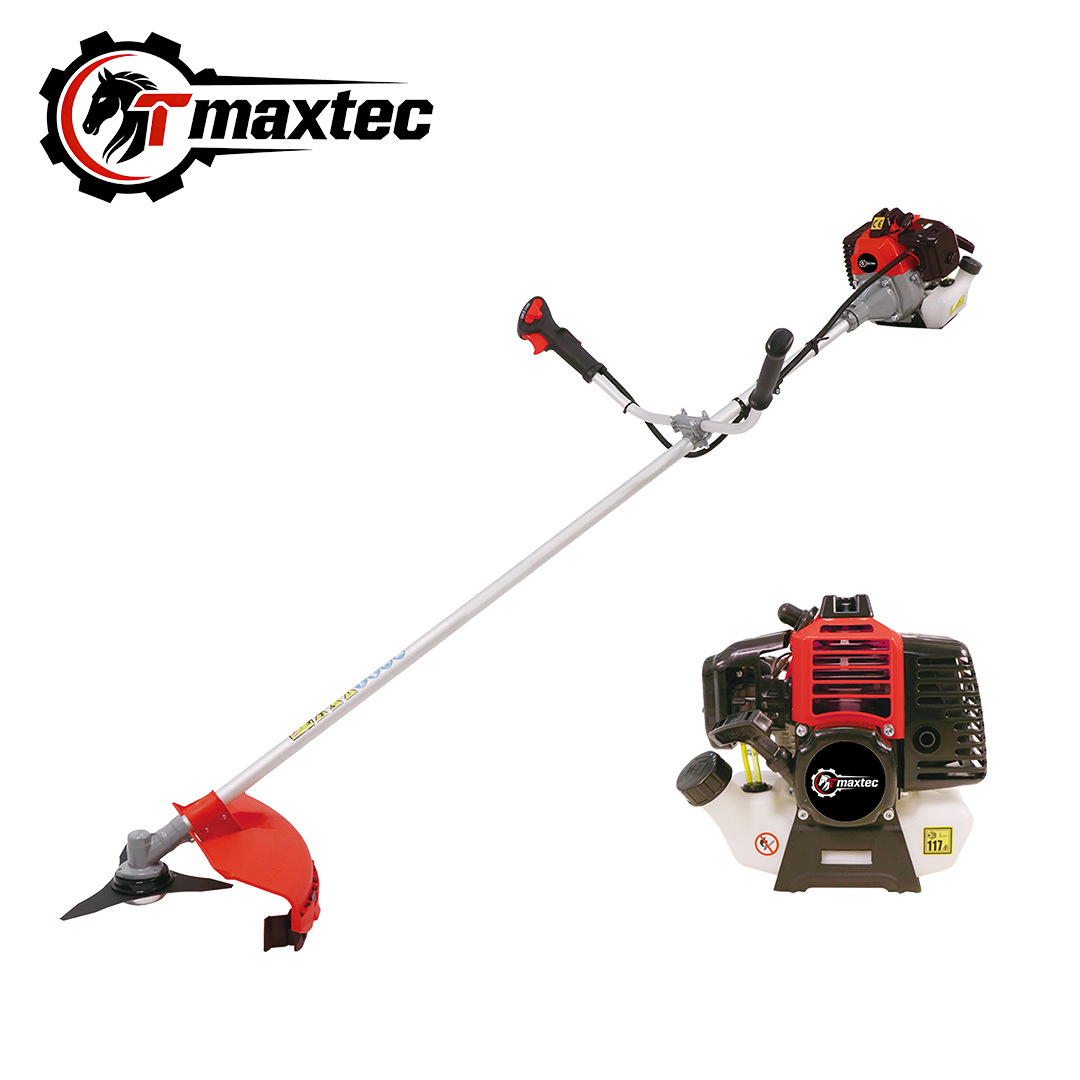
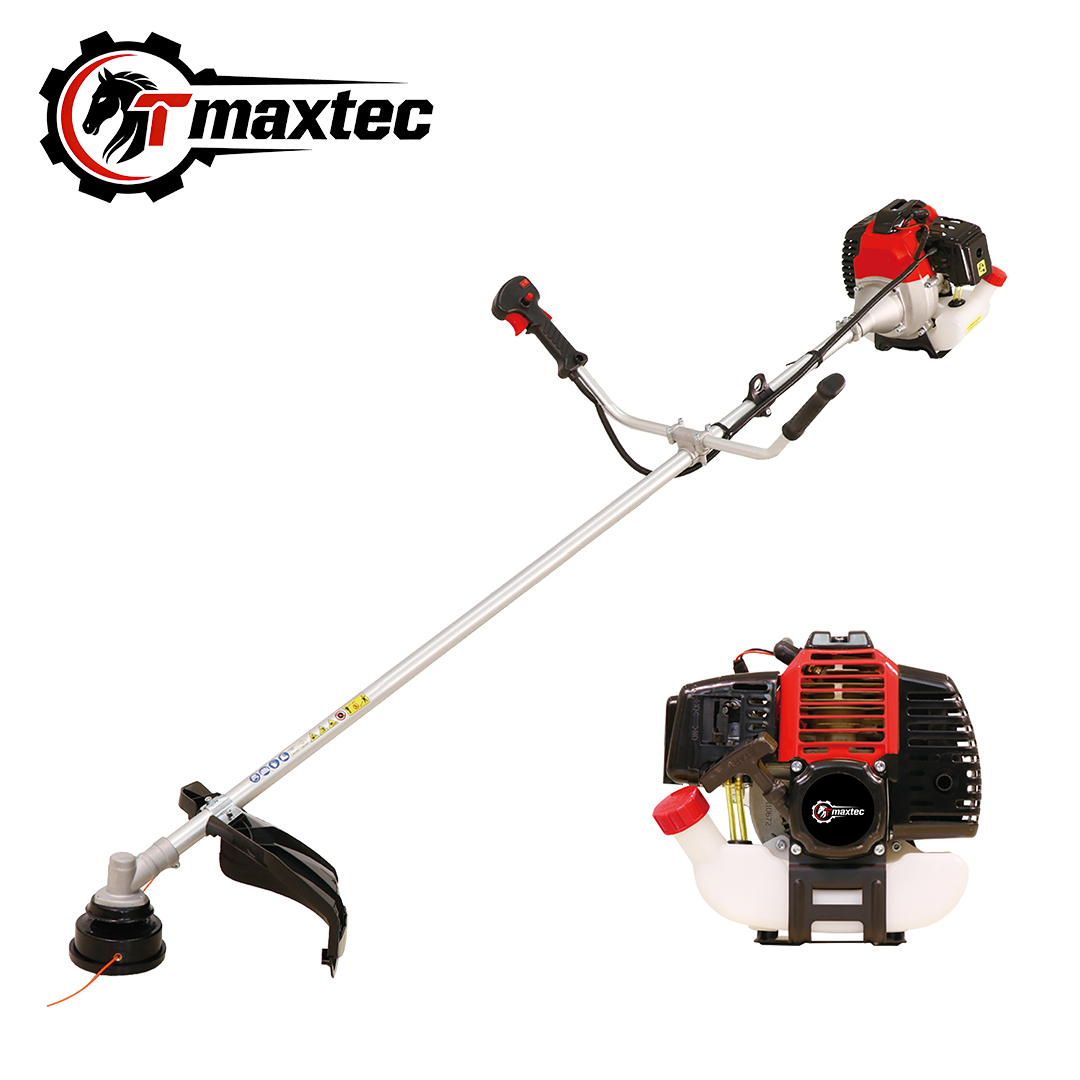
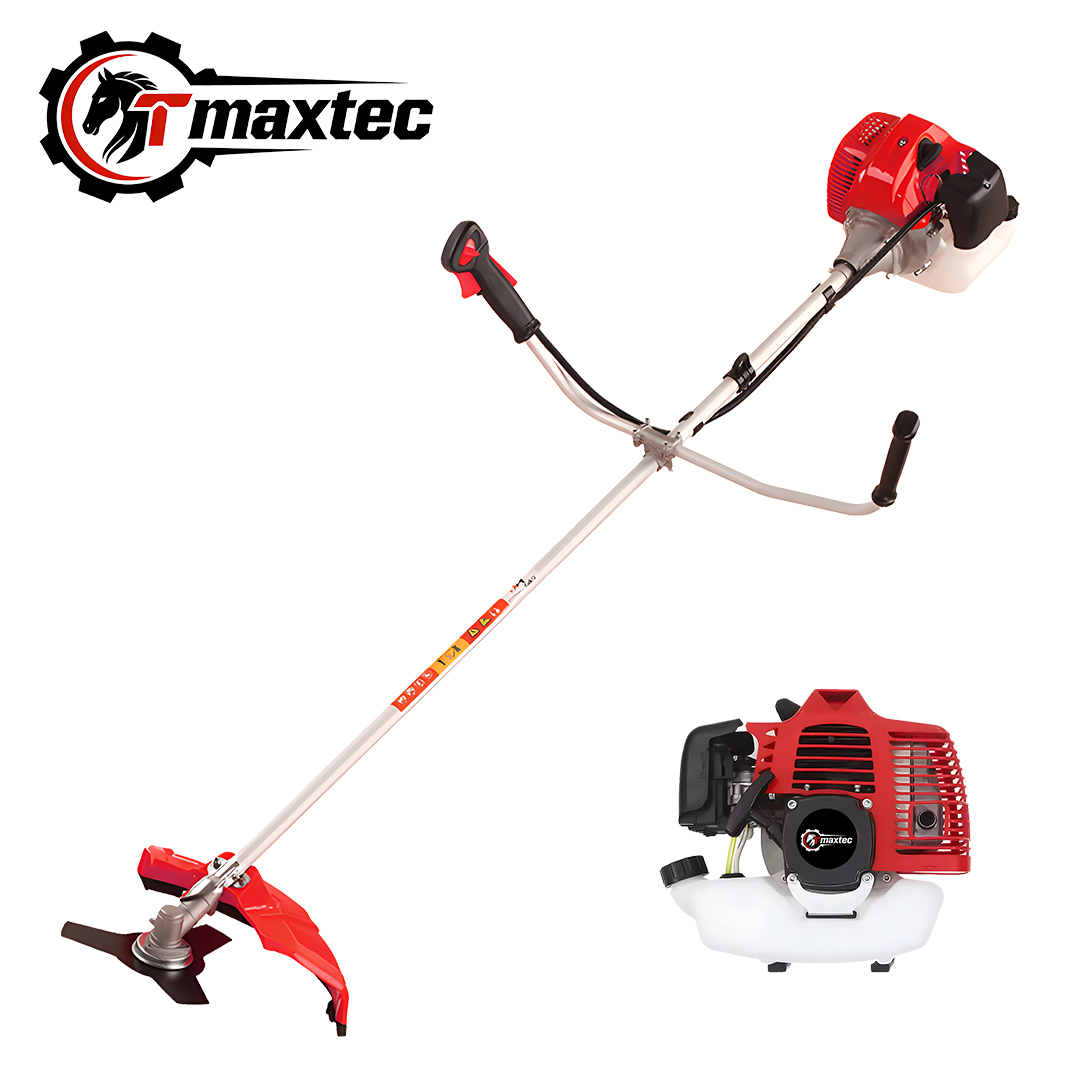
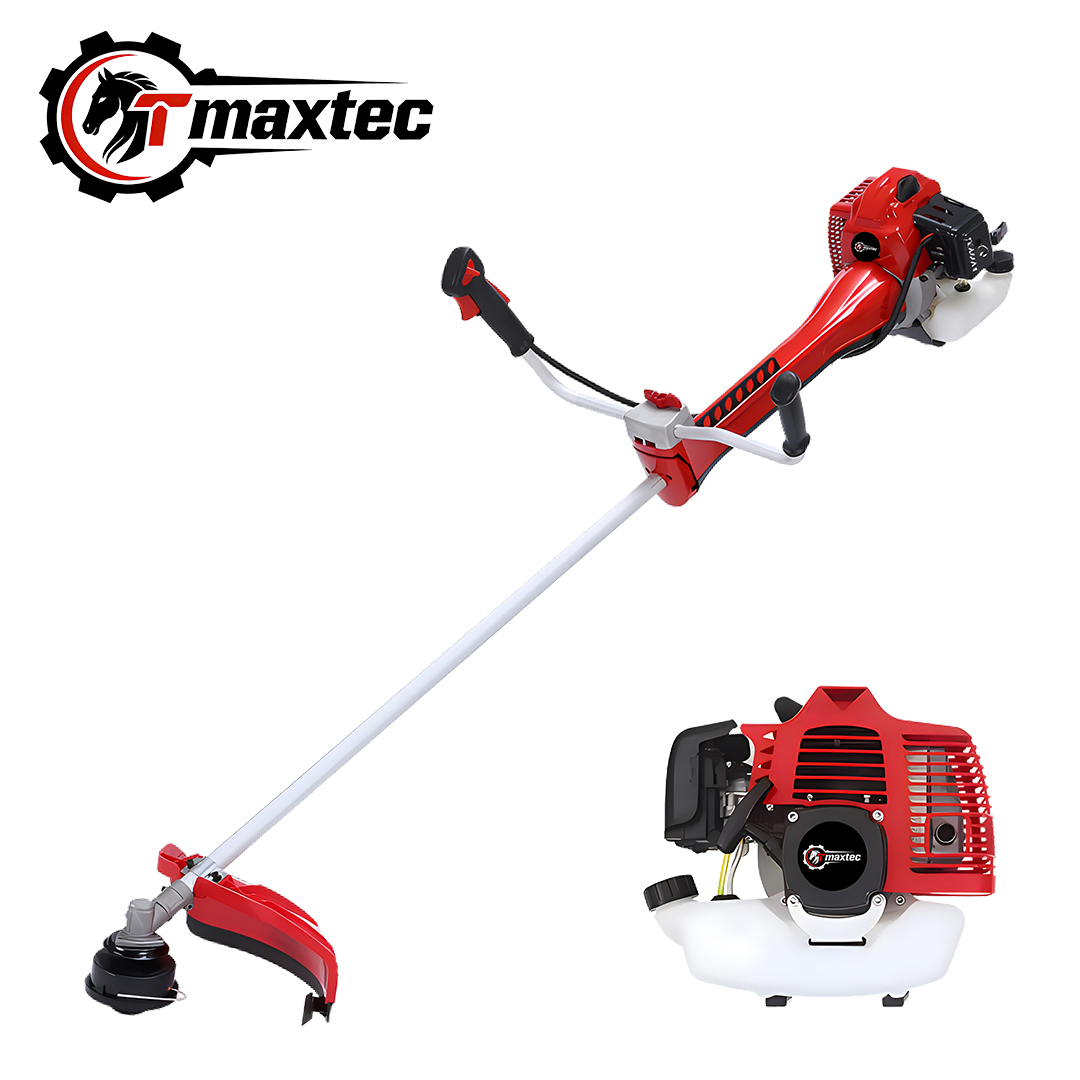
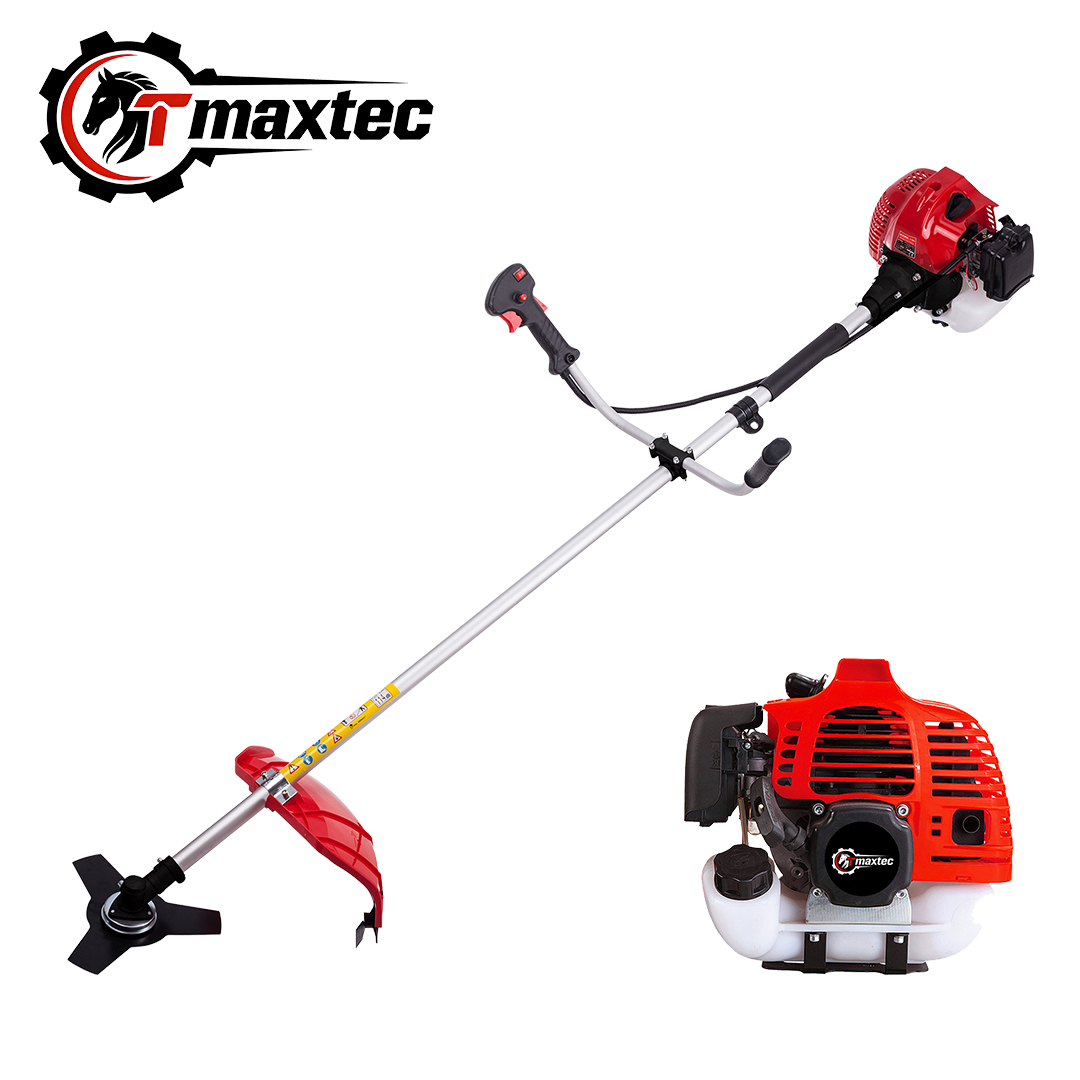
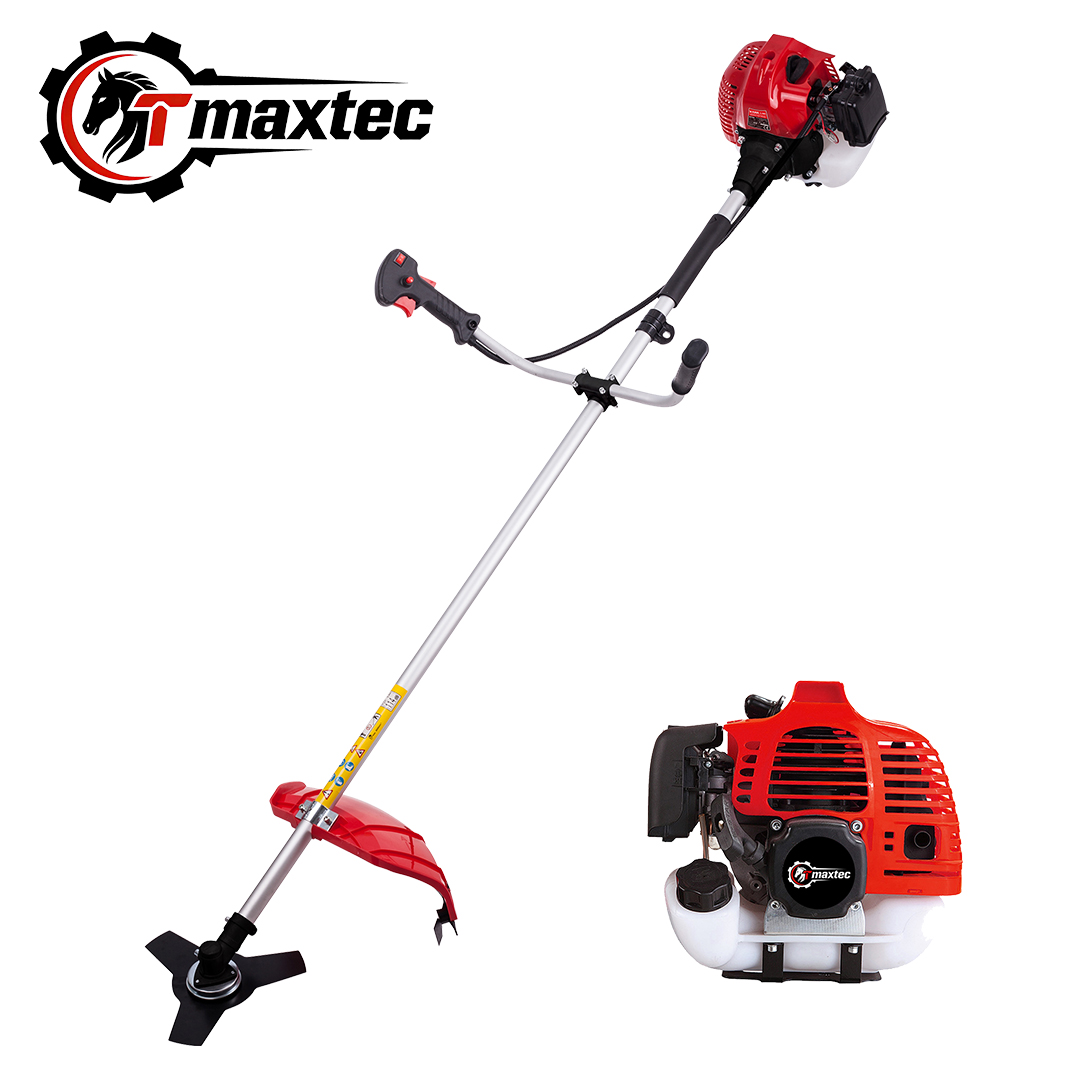
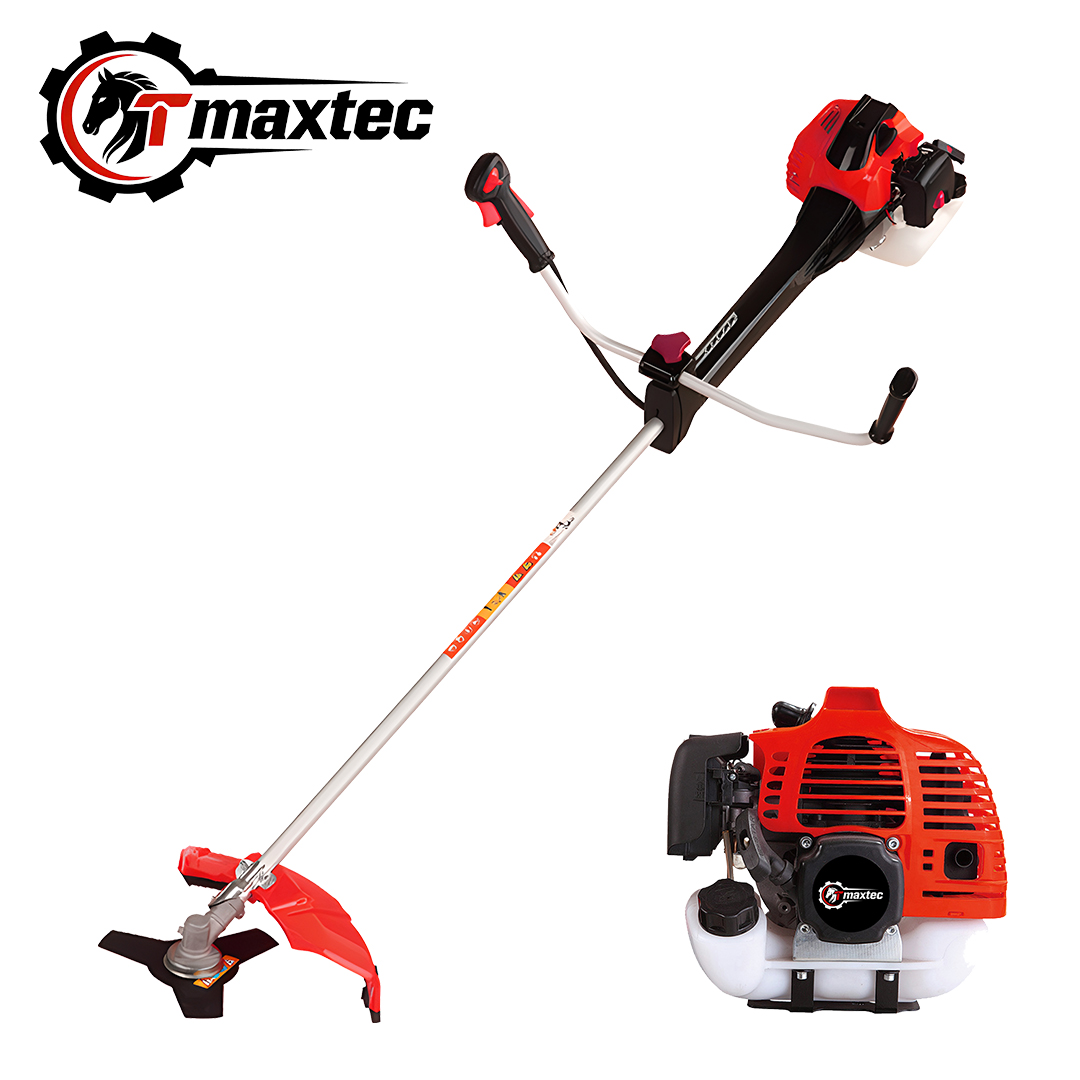
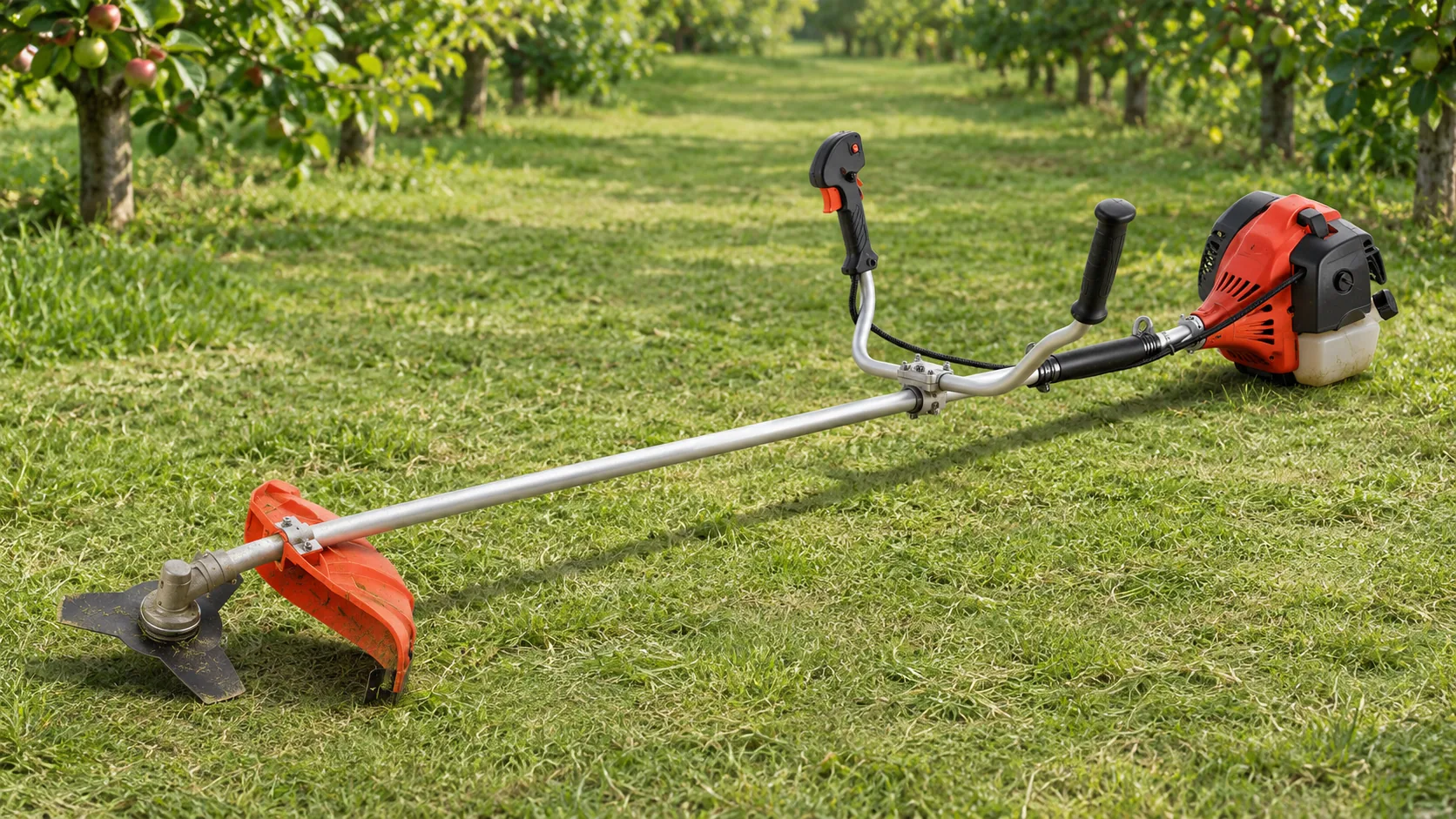
TM-CG520TN 52cc gasoline brush cutter
Use this model as the machine reference when quoting a field-maintenance kit for agricultural shops. The listing identifies a 1E44F-5N engine and a 28 mm shaft diameter, with kraft carton or customized color box packaging.
Record the agreed cutting attachment and every accessory promised in the dealer’s listing against the quoted variant. Confirm those contents before sending the buyer’s barcode data to the supplier.
| Review TM-CG520TN Specifications |
Place each label where staff will scan it
An independent agricultural shop may hand the customer a kraft carton with a sticker. A retail chain may scan the barcode printed on its approved display box. Test a sticker applied to the intended kraft carton or a production-equivalent print on the finished color box. Once the package is sealed, check whether a flap, seam, shipping mark or handling label obstructs the barcode.
When the order packs multiple retail units inside an outer shipping carton, confirm the warehouse’s receiving sequence. If both labels are visible, show staff which one to scan at receipt. Identify who supplies the code data and which barcode format the buyer’s systems accept before preparing the print file.
| Package | Scan point | Expected result |
| Kraft carton or color box sold to the customer | Checkout or stock issue | The agreed brush cutter kit and retail quantity |
| Attachment packaged for separate sale | Dealer checkout | The attachment item and its agreed sales quantity |
| Outer shipping carton, when a receiving label is required | Warehouse receipt | The expected carton pack level and quantity |
Trace a wrong scan to the item record or label file
Keep one mapping sheet with a row for every sellable variant. Include the factory model, exact kit description, distributor or retailer SKU, approved barcode number, pack level and quantity. Add the seller’s listing description and any buyer item number used on purchase orders. File a photo of the approved package with its row so receiving staff can identify the label on arrival.
If the printed number matches the approved sheet but the scan returns a different kit, check the buyer’s item record. If the item record is correct and the package carries a different number, trace the label file sent for that order line. Hold the affected variant until a corrected packed sample returns the expected result.
Importer and dealer checklist before printing and release
Before authorizing the print file
- Match each purchase order line to the quoted kit, including the selected attachment and accessories.
- Get buyer approval for the SKU and brush cutter retail barcode mapping for every sellable variant.
- Record who provides the barcode data and which format the buyer accepts.
- Approve the label artwork and position for each package the buyer will scan.
Before releasing the mixed order
- Inspect one sealed sample per variant for label visibility and agreement with the approved artwork.
- Scan each sample in the selling or stock-issue system and verify its item name, kit and quantity.
- Test the outer-carton label in the receiving system where the buyer requires one.
- Attach the approved package photo and scan result to the corresponding mapping row.
Review the mapping when a dealer changes the kit
Reuse the purchasing references on a repeat order once the buyer confirms that the packaged offer and item record are still current. If the retailer changes the included cutting attachment or begins ordering it as a separate retail pack, have the item setup team confirm how to record that change in its SKU and barcode records before production.
When both versions are still in stock, give the warehouse the approved package descriptions and photos so staff can pick the version specified on the order.
Frequently asked questions
Is a brush cutter retail barcode the same as a retailer SKU?
The SKU identifies an item in the retailer’s records. The barcode carries a scannable identifier that the retailer’s system associates with the item. Record both so the supplier and the retailer can verify the same sellable package.
Does switching from a kraft carton to a color box change the barcode?
Confirm the approved identifier with the buyer’s item setup team. If the sellable contents and quantity stay the same, the buyer can confirm whether to keep the existing number. Approve the label position and scan the new finished box before release.
Can the supplier use the factory model on the retail label?
The factory model can appear as a printed reference if the buyer approves the artwork. Use the barcode data approved for that sellable package so staff can distinguish kits that share the same machine model.
Can we approve a barcode using only a PDF proof?
Use the proof to review the proposed artwork and printed number. Use the sealed sample to verify label position, readability and the item and quantity returned by the buyer’s system.
Request a TM-CG520TN wholesale quotation by kit
Send the intended retail channel, each kit’s contents and the buyer’s brush cutter retail barcode requirements. Ask Teamax to show the packaging choice and label application against each quoted variant so purchasing and receiving can work from the same reference.
| Ask About Wholesale Kit Configurations |